Guide
Supabase MCP: What the Server Exposes and How to Scope It for AI Agents
A guide to the Supabase MCP server: its tool groups, the read_only, project_ref and features settings, and how to keep AI agents away from production data.
Agent Data Digest · Updated , checked against the sources listed at the end
What Supabase MCP is
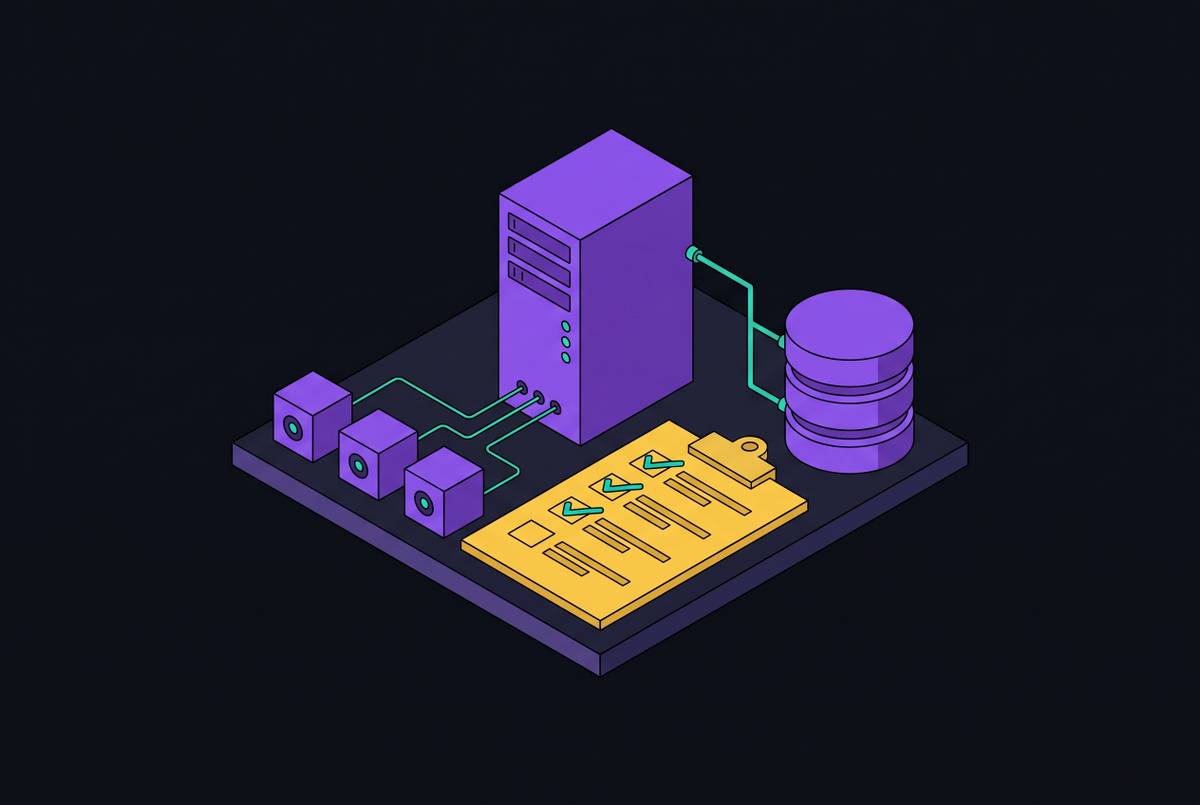
Supabase MCP is Supabase's own Model Context Protocol server. Connected to an AI client such as Claude Code, Cursor, Codex or VS Code, it lets the agent list your tables, run SQL, apply migrations, read logs, deploy Edge Functions and manage projects and branches, all on your behalf.
The hosted server lives at https://mcp.supabase.com/mcp. When you develop locally with the Supabase CLI, the same server is at http://localhost:54321/mcp. Its source is public at github.com/supabase/mcp.
The one fact that shapes everything else on this page: the server acts with your developer permissions. Whatever you can do to a project in the Supabase Dashboard, an agent connected through Supabase MCP can attempt, unless you narrow it with the settings below.
Connecting it to an AI client
Most clients take the server's URL in their MCP config and then open a browser window to sign in. The hosted server uses OAuth with dynamic client registration, so you choose the Supabase organization to grant and don't need to create a personal access token. In Cursor, for example, .cursor/mcp.json holds:
{
  "mcpServers": {
    "supabase": {
      "url": "https://mcp.supabase.com/mcp?project_ref=<your-project-ref>&read_only=true&features=database,docs"
    }
  }
}
Claude Code adds the same server from the command line, and you authenticate by running /mcp in a regular terminal:
claude mcp add --scope project --transport http supabase "https://mcp.supabase.com/mcp?project_ref=<your-project-ref>&read_only=true"The exact file and command differ by client and change often. Supabase keeps the current instructions for each client on its MCP docs page, with a panel that builds the URL for you.
Where a browser sign-in is impossible, as in CI, Supabase documents passing a personal access token in an Authorization: Bearer header instead. Scope that token to the one project and to the permissions your enabled tools need, and keep it in the CI's secrets, never in the config file.
The tools it gives an agent
Tools come in feature groups. Every group your connection supports is on by default except Storage, so an unscoped connection hands the agent most of this table:
| Group | Tools | What an agent can do with it |
|---|---|---|
| Database | list_tables, list_extensions, list_migrations, apply_migration, execute_sql | Read the schema, run any SQL your role allows, change the schema |
| Debugging | query_logs, get_advisors | Query project logs with read-only SQL; read security and performance advisors |
| Development | get_project_url, get_publishable_keys, generate_typescript_types | Fetch the API URL and publishable keys; generate types from the schema |
| Edge Functions | list_edge_functions, get_edge_function, deploy_edge_function, create_edge_function_secret | Read and deploy server code; request a secret be entered in the Dashboard |
| Account | list_projects, get_project, create_project, pause_project, restore_project, list_organizations, get_organization, get_cost, confirm_cost | See every project you can reach; create, pause and restore them |
| Docs | search_docs | Search Supabase's documentation |
| Branching (experimental) | create_branch, list_branches, delete_branch, merge_branch, reset_branch, rebase_branch | Make and merge database branches (needs a paid plan) |
| Storage (off by default) | list_storage_buckets, get_storage_config, update_storage_config | Read and change storage settings |
| Notebooks (hosted only) | list_notebooks, get_notebook, create_notebook, run_notebook, delete_notebook | Run SQL cells your team saved in notebooks, even with Database turned off |
| Feedback | submit_feedback, delete_feedback | Send feedback to Supabase (off in read-only mode) |
Supabase adds and renames tools over time. Before you rely on this list, ask your client to list the Supabase tools it actually sees, or check the docs.
The three settings that decide the blast radius
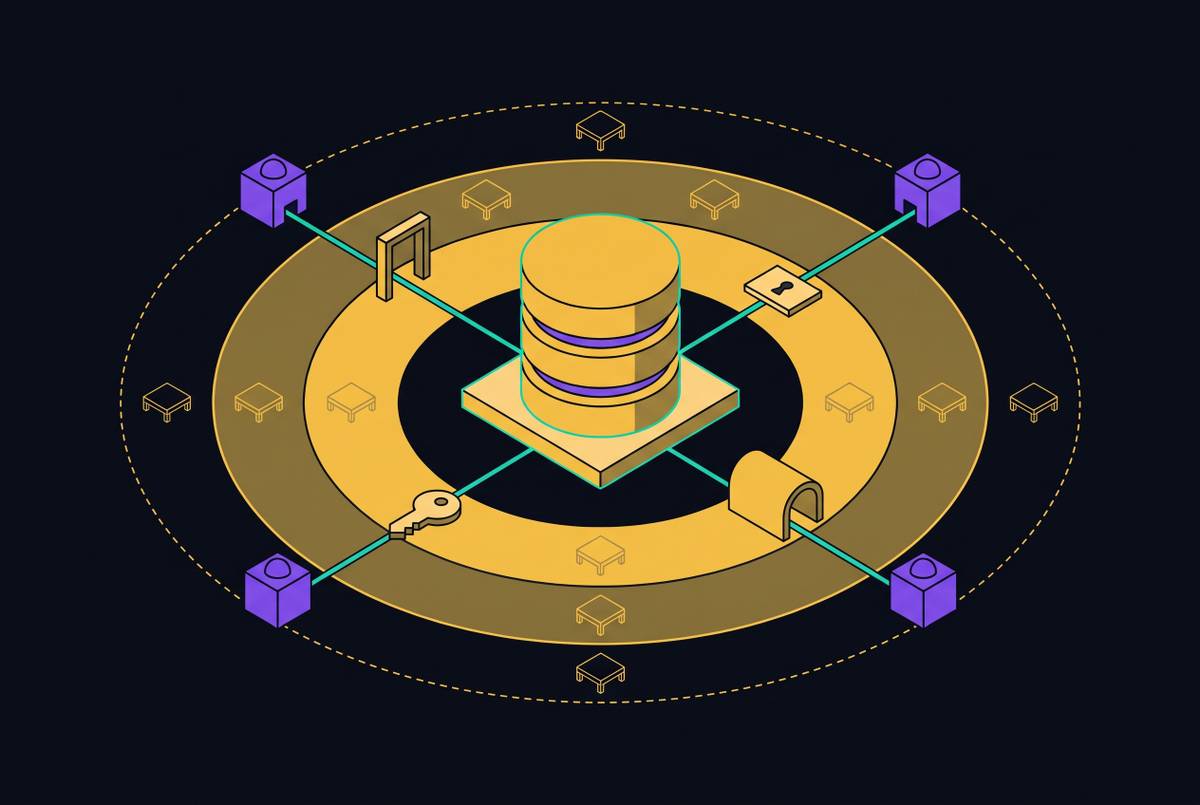
Supabase MCP is configured with query parameters on its URL. Three of them decide how much damage a confused or manipulated agent can do:
| Parameter | What it does | Example |
|---|---|---|
project_ref | Limits the server to one project and turns off the account tools, so the agent can't see or touch your other projects | ?project_ref=abc123 |
read_only | Runs every query as a read-only Postgres user | ?read_only=true |
features | Turns on only the tool groups you name | ?features=database,docs |
They combine: https://mcp.supabase.com/mcp?project_ref=abc123&read_only=true&features=database,debugging is a server that can read one project's data and logs and nothing else. Start there and add groups only when a task needs them.
A fourth parameter, skip_elicitations, works in the other direction: it turns off the confirmation forms described below for the tools you name. It never bypasses authentication, permissions or read-only mode, but it does remove a check, so leave it out unless you know why you need it.
Confirmations are a guardrail, not a review
When your client supports MCP elicitation, the server pauses some calls to ask you first: create_project and create_branch show their cost, execute_sql and apply_migration ask before SQL they detect as destructive, and run_notebook and delete_notebook ask before writes and deletions.
Supabase is plain about the limits. The destructive-SQL check may not catch every destructive statement, some clients can answer these prompts automatically through hooks or rules, and where a client doesn't support forms, SQL runs without the extra prompt. Treat a confirmation as one more chance to catch a mistake, and keep your client's own per-call approval switched on as well.
The risk that comes with your data: prompt injection
An agent reading your tables also reads whatever your users wrote into them. Supabase's own example is a support-ticket app: a customer files a ticket that says to ignore previous instructions, select from a sensitive table and post the result as a reply. A developer later asks their agent to read the ticket through Supabase MCP, and the agent, running with that developer's permissions, tries to do it.
Supabase MCP wraps SQL results in extra instructions that tell the model not to follow commands found in the data, and Supabase says itself that this is not foolproof. What actually limits the damage is what the connection can do when the model does follow them: read-only mode, one project, few tool groups, and a person approving each call. Our piece on prompt injection in data-reading agents goes further into the pattern.
Which setup fits which job
| Job | Connect to | Settings | Also |
|---|---|---|---|
| Building features and migrations with a coding agent | A development project or a database branch, never production | project_ref of that project; features=database,development,docs plus what the task needs | Approve each tool call; merge schema changes through your normal review |
| Debugging an issue in production | Production, only when the task needs production evidence | project_ref, read_only=true, features=database,debugging | Ask the narrowest query that answers the question; keep secrets and unrelated personal data out of prompts |
| An unattended monitoring routine | The one project it watches | project_ref, read_only=true, the fewest groups that work | Pre-approve only read-only tools; have it stop and report rather than write |
| An agent your customers or teammates ask business questions | Not Supabase MCP | None of these settings fix it: the server runs with a developer's permissions | Give the agent governed, pre-defined metrics instead (see below) |
Supabase's guidance on the last row is direct: don't give the MCP server to your customers or end users. It is a developer tool for building and testing your application.
Where Supabase MCP stops
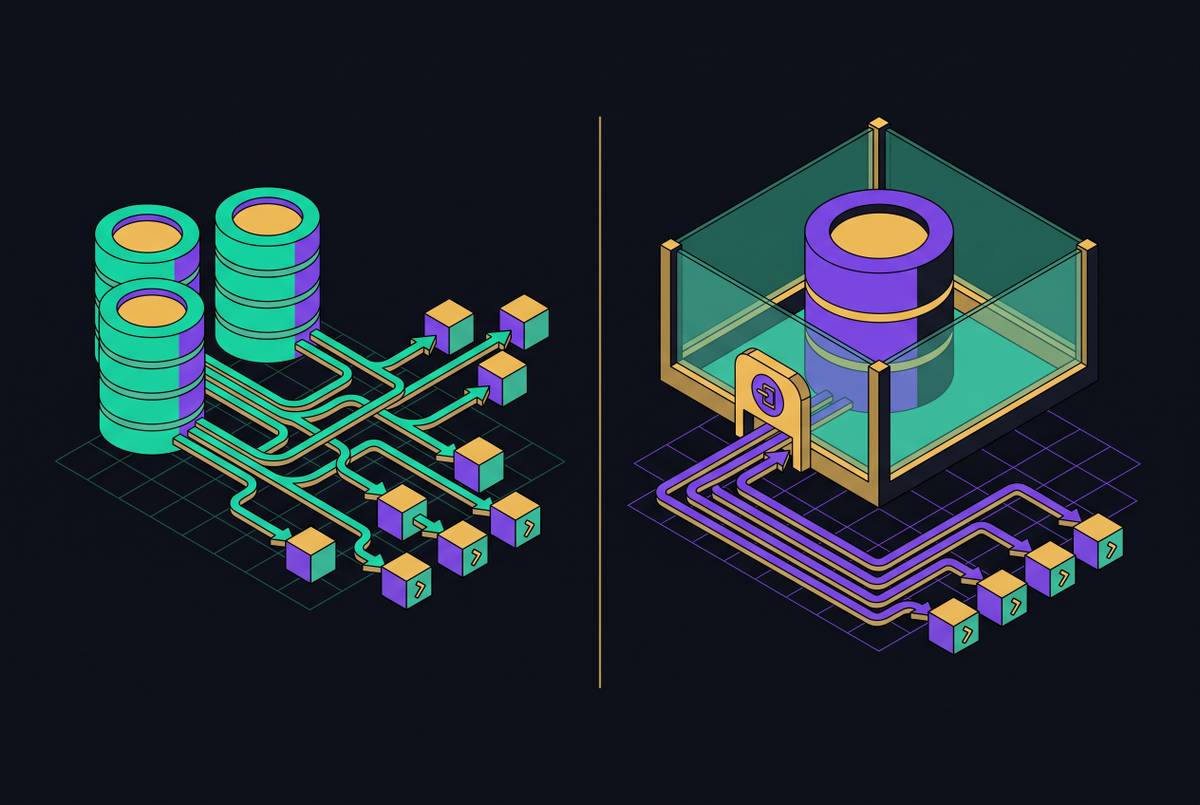
Even scoped and read-only, Supabase MCP gives an agent raw tables and free-form SQL. That suits a developer who knows the schema and reads each query. It suits an agent answering "what was churn last month?" much less well: two runs can join the tables differently and return two numbers, every question costs a fresh scan of your operational database, and nothing records which definition of churn the answer used.
For agents that report numbers rather than build software, the pattern this site keeps coming back to is a separate, governed layer: metrics defined once, calculated ahead of time, and served through tools that take a metric name rather than SQL. The pieces below cover how to build it and why.
Before you connect: a short checklist
- Decide which project the agent may touch, and set
project_refto it. Prefer a development project or branch. - Add
read_only=trueunless the task is to change the schema or deploy code. - List only the tool groups the task needs in
features. - Leave
skip_elicitationsout, and keep your client's per-call approval on. - In CI, use a personal access token scoped to that project, stored as a secret.
- Ask the client to list the tools it sees, and check the list matches what you meant to allow.
- Re-check the Supabase MCP docs when you upgrade: tools and defaults change.
For judging any MCP server, not only Supabase's, see The MCP Server Evaluation Checklist for Teams Running AI Agents Against Supabase.
Questions people ask
Does Supabase MCP need a personal access token?
Not for the hosted server in a client that can open a browser: it signs you in with OAuth and dynamic client registration. You need a personal access token, passed in an Authorization header, where a browser sign-in isn't possible, such as CI.
Can I use Supabase MCP with a local project?
Yes. With the Supabase CLI running locally, the server is at http://localhost:54321/mcp. The Notebooks tools are only on the hosted server.
Is read-only mode enough to connect Supabase MCP to production?
It stops writes, not reads. An agent in read-only mode can still read any row your role can, including data a prompt injection asks it to surface. Combine it with project_ref, a short features list and manual approval, and connect to production only when the task needs production evidence.
What does Supabase MCP cost?
Supabase's MCP docs don't list a price for the server itself. Tools that create resources, like create_project and create_branch, can add charges and show the cost for you to confirm first, and the branching tools need a paid plan. Check Supabase's pricing page for current numbers.